The Playbook · Chapter 01
How to create a personalised Who Am I? game for your family
Turn favourite faces, holiday photographs and years of inside jokes into a game your family could never buy off the shelf—perfect for reunions, celebrations and pre-wedding gatherings where guests can get to know each other.
About 7 minutes · Updated 23 August 2026
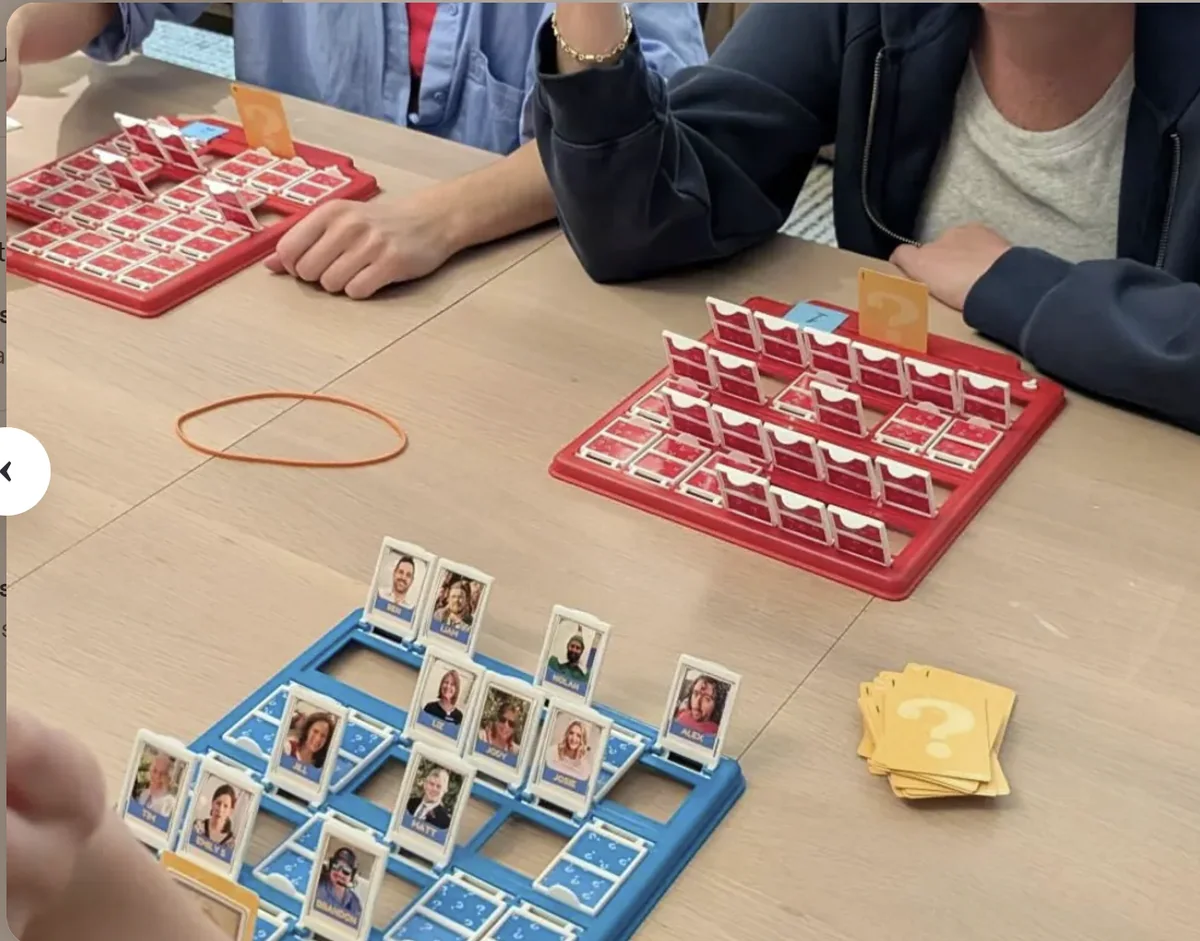
A personalised family guessing game is simple: instead of a cast of strangers, every card features somebody your players know. The questions quickly become funnier, the deductions more personal and the final reveal much more satisfying.
It can be a birthday present, a family-reunion activity, a Christmas surprise, or an icebreaker at a pre-wedding gathering where guests from different parts of your life can learn names before the big day. You can build it with ordinary photographs, pets, childhood pictures or a fully illustrated cast.
Make it in an afternoon
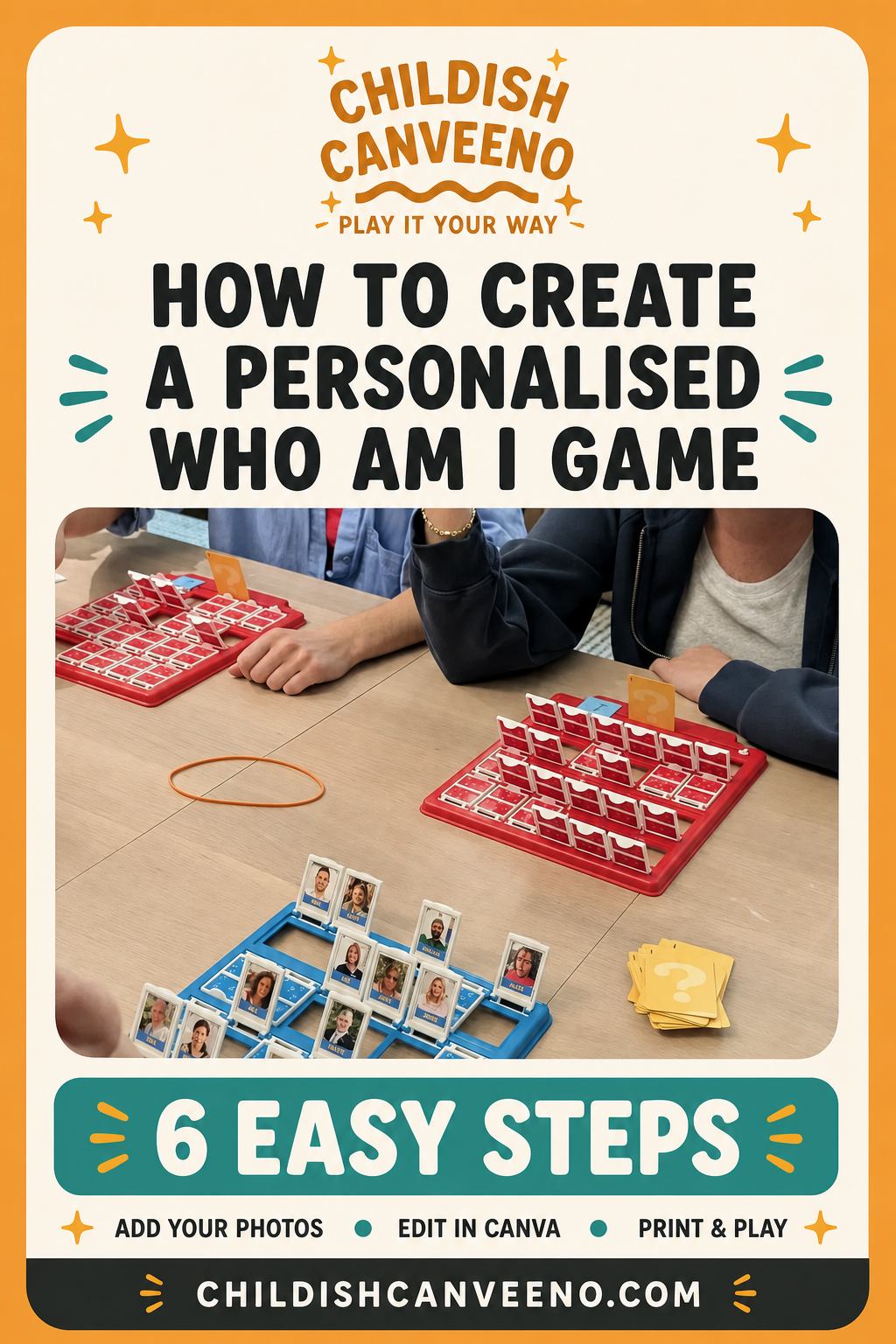
Six steps from camera roll to game night
- 01
Choose your cast
Count the slots in your game frame, then make a list of family, friends and pets. Mix generations and households so everybody has somebody they instantly recognise.
- 02
Collect the photographs
Ask for clear, front-facing pictures with a little space around each face. Phone photos are absolutely fine. A shared album makes collecting them much easier.
- 03
Add them to the editable template
Open the supplied Canva template, click and drag each image into place, then edit the name. Keep crops consistent so the finished set feels deliberate.
- 04
Add the family flavour
Use nicknames, pets, old photographs or a gentle in-joke. You can even create themed casts such as “the holiday”, “our wedding” or “three generations”.
- 05
Print, trim and assemble
Print a test page first. When you are happy with the scale, print on good-quality paper, trim carefully and follow the included instructions for your chosen frame.
- 06
Play it your way
Start with familiar yes-or-no questions, then make it yours: “Were they at the legendary barbecue?” is usually much more fun than “Do they wear glasses?”
See how simple it is
Click. Drag. Rename. Done.
This quick demonstration shows how an image drops straight into the Canva frame and how easily the character name can be changed.
Made to fit
All common game sizes are included
Choose the page pair that matches your board, or use the sticky-label option for an especially quick application.
3.175 × 3.4925 cm
1.75 × 1.25 in · US Letter · 32 rectangle labels. Print directly onto compatible sticky-label sheets for easy application to an existing board.
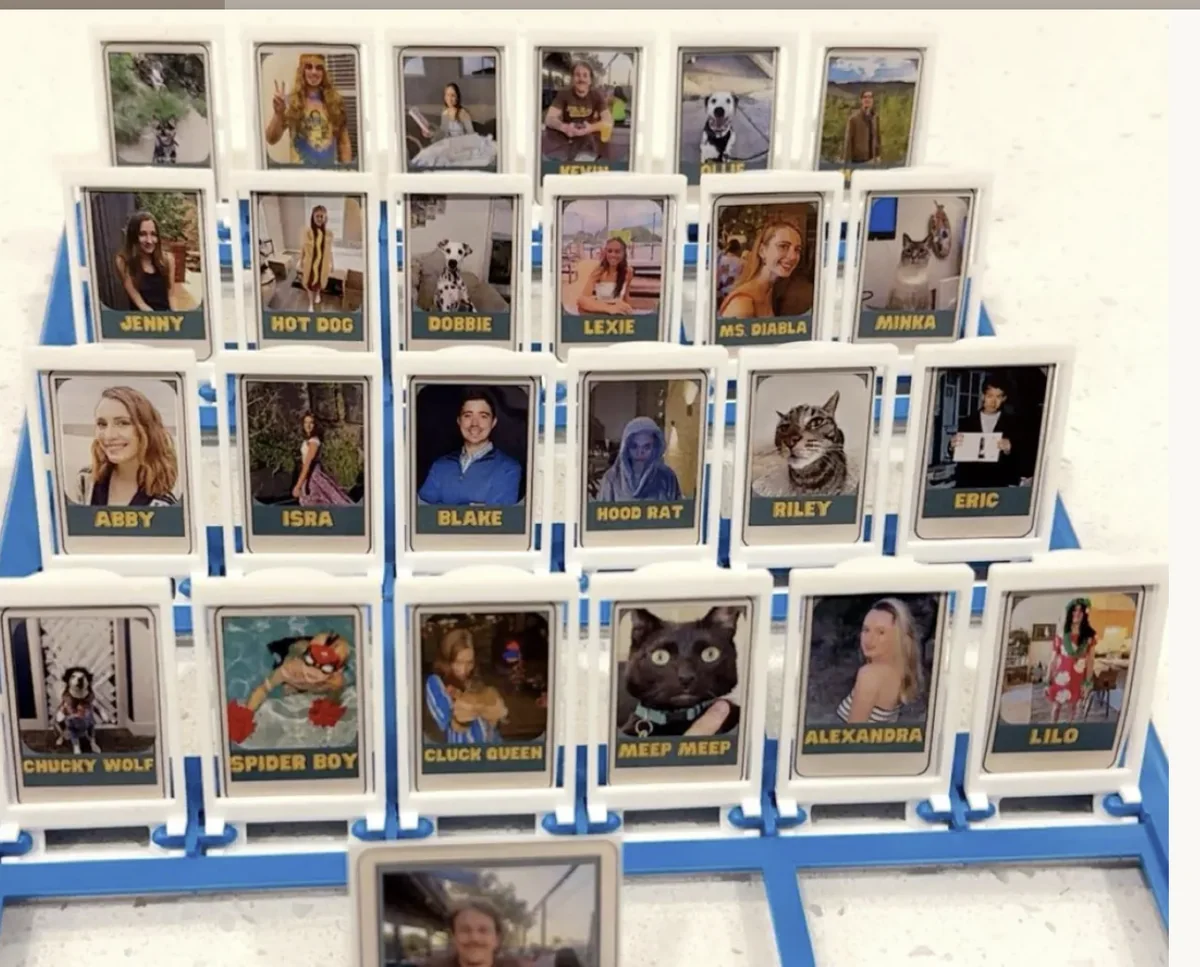
“Super cute and easy to use :)”
Lexie · Etsy review
Make the cast memorable
Ideas that make it feel truly yours
Milestone birthday
Use photographs from every chapter of their life.
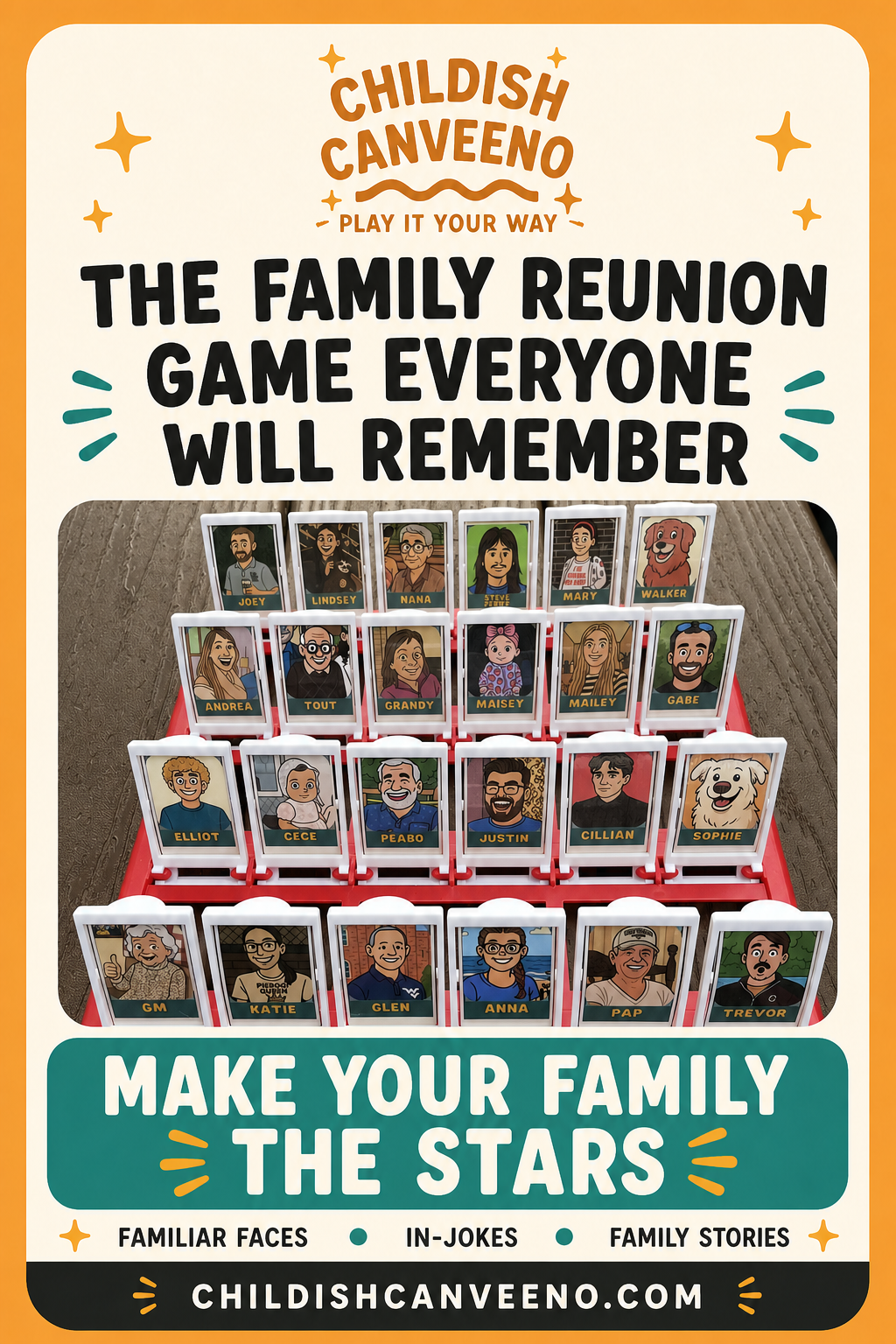
Family reunion
Turn the guest list into the evening’s main event.
Pets included
Give dogs, cats and honorary family members a slot.
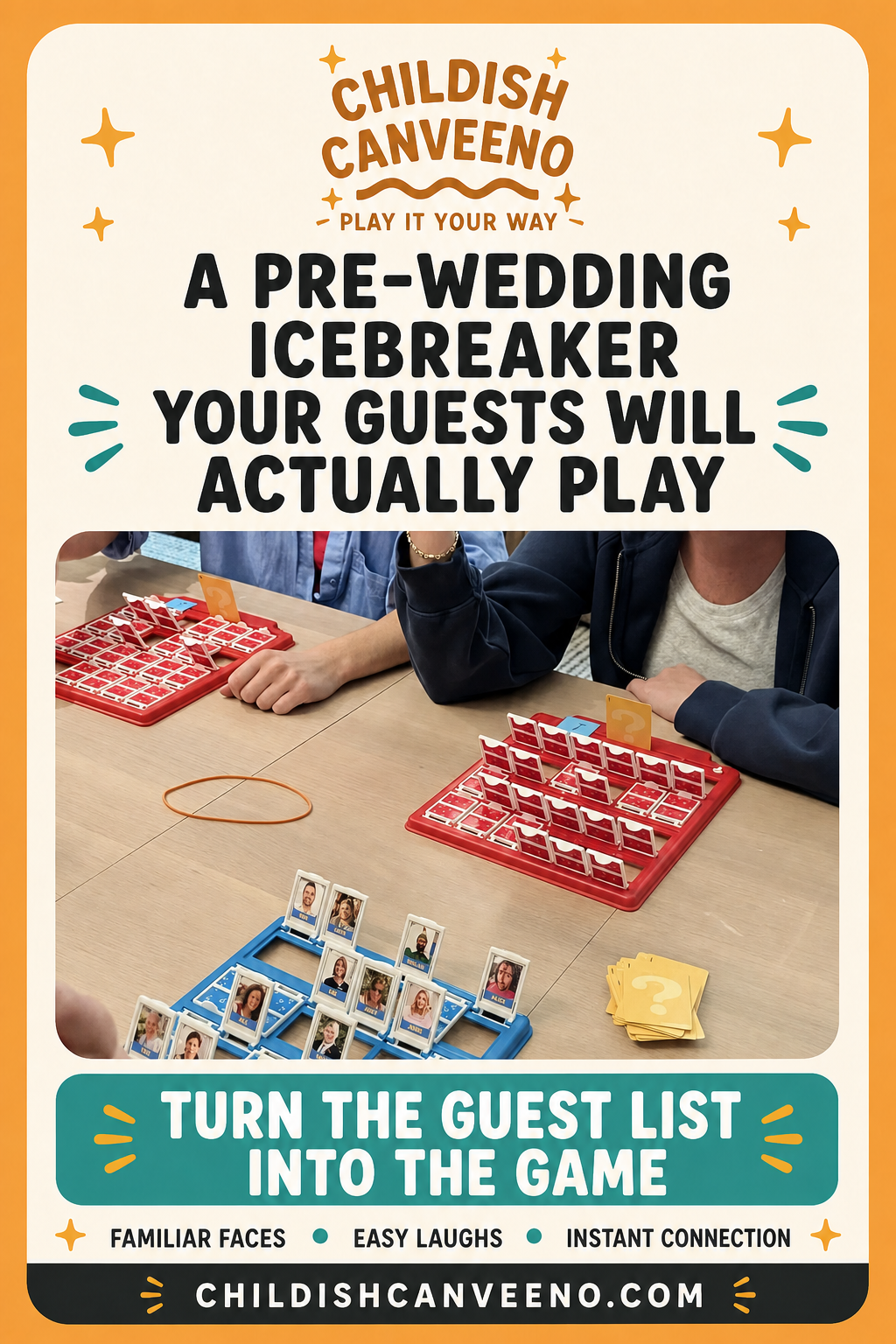
Pre-wedding gathering
Help guests from every part of your lives learn names before the big day.
Christmas gift
Create a present everybody can play together immediately.
Family holiday
Pack a personalised game for the rainy-day plan.
See it in action
One template. Hundreds of brilliant casts.
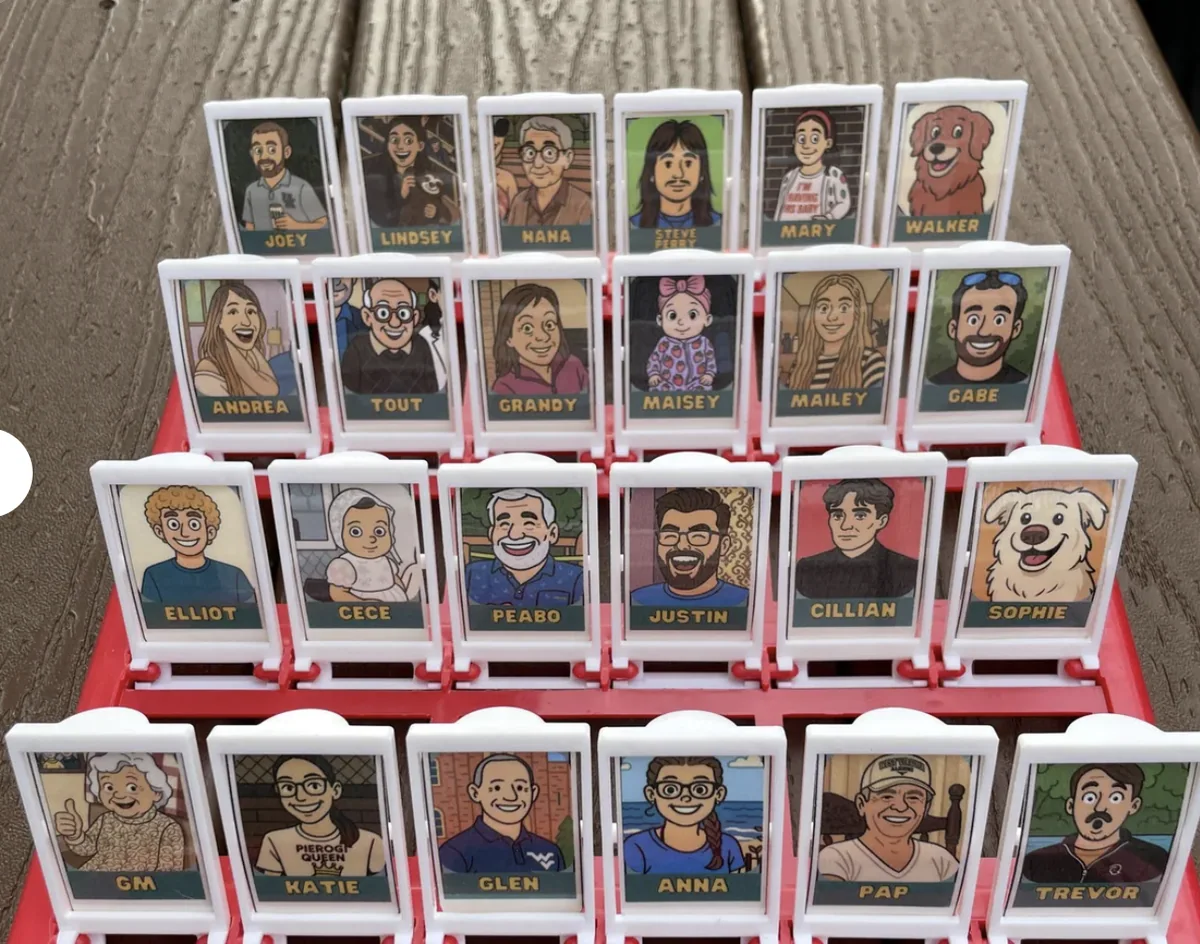
“This product was amazing! It helped me make a truly one-of-a-kind gift for my nephew's birthday. Our family and friends LOVE the final result!”
Linda · Etsy review · April 2025
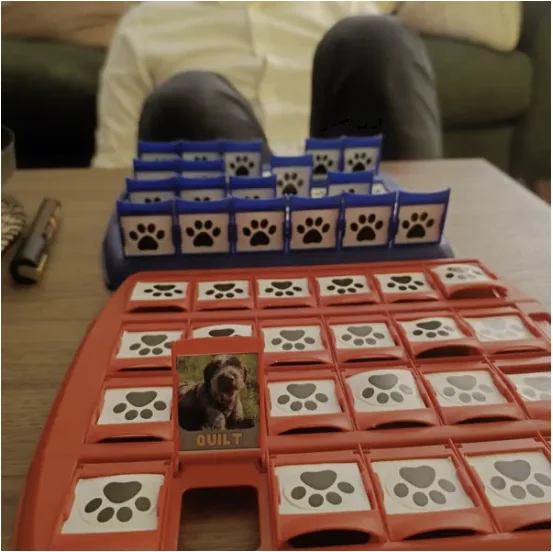
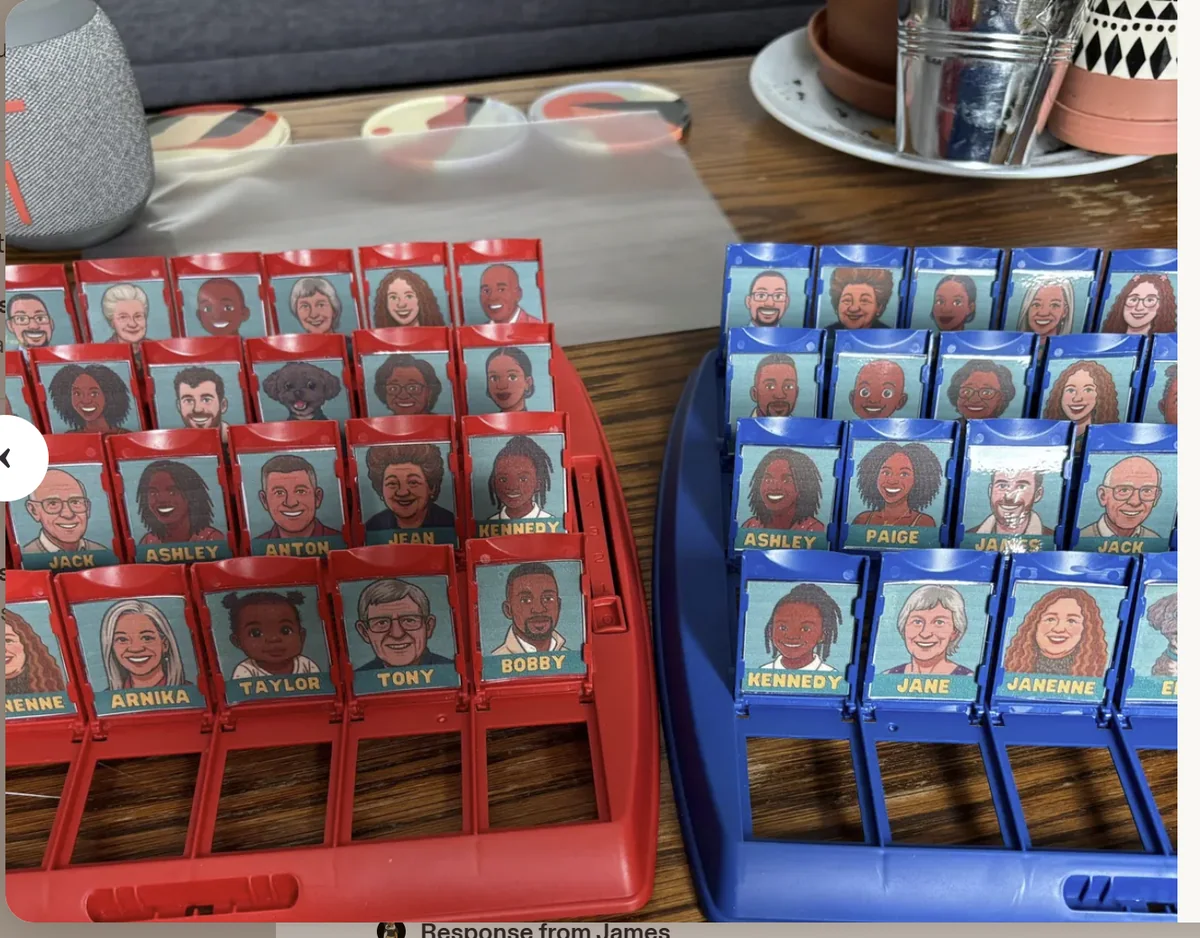
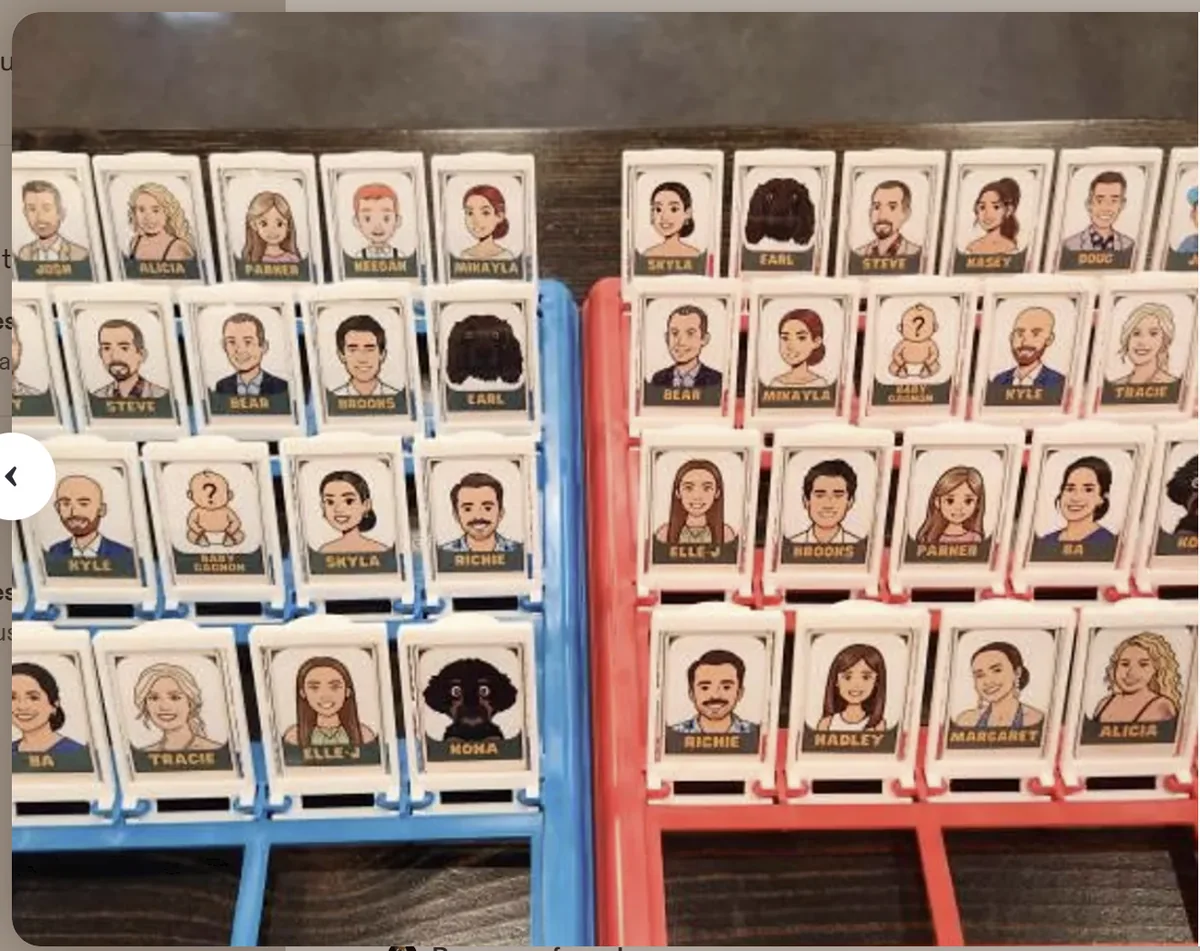
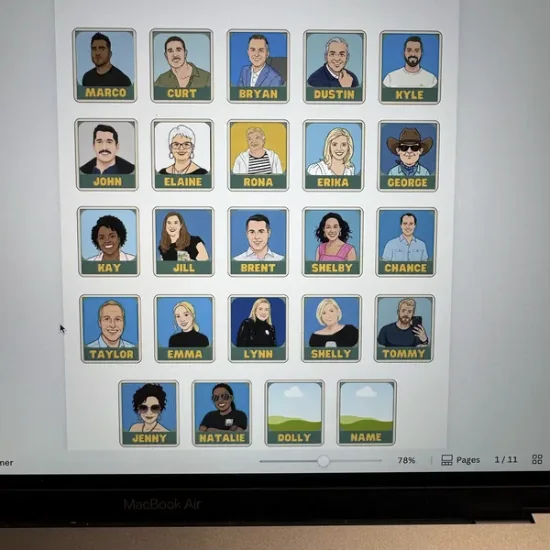
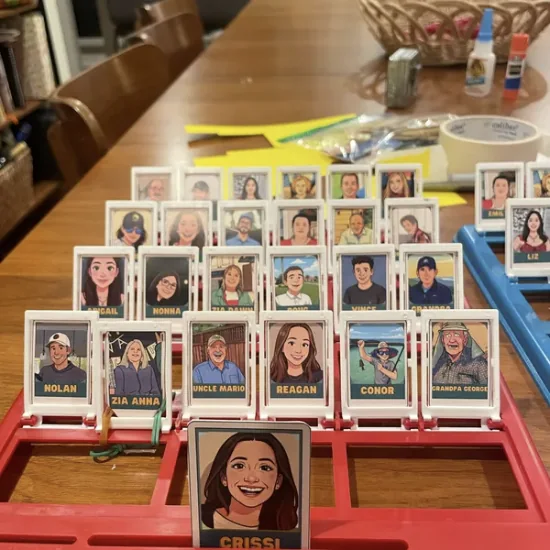
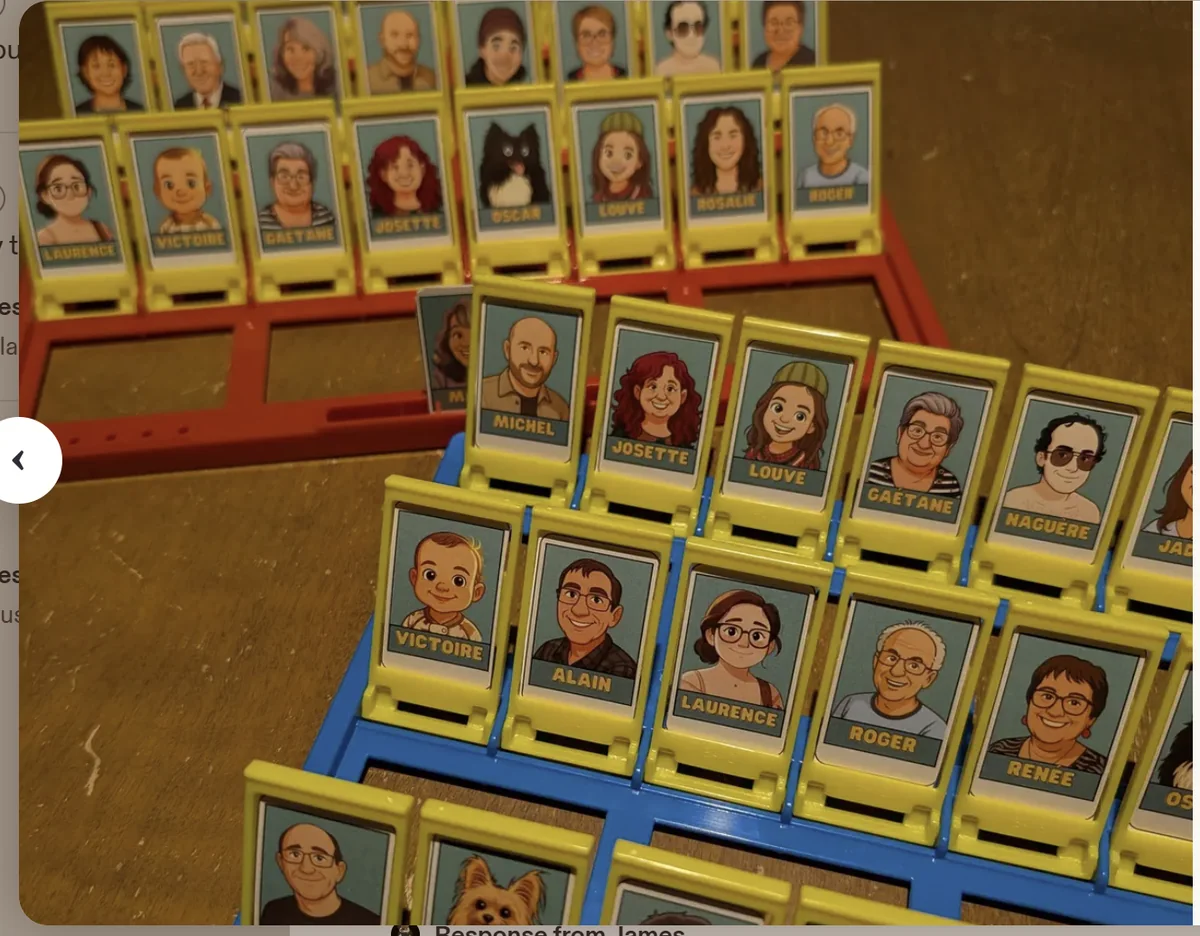
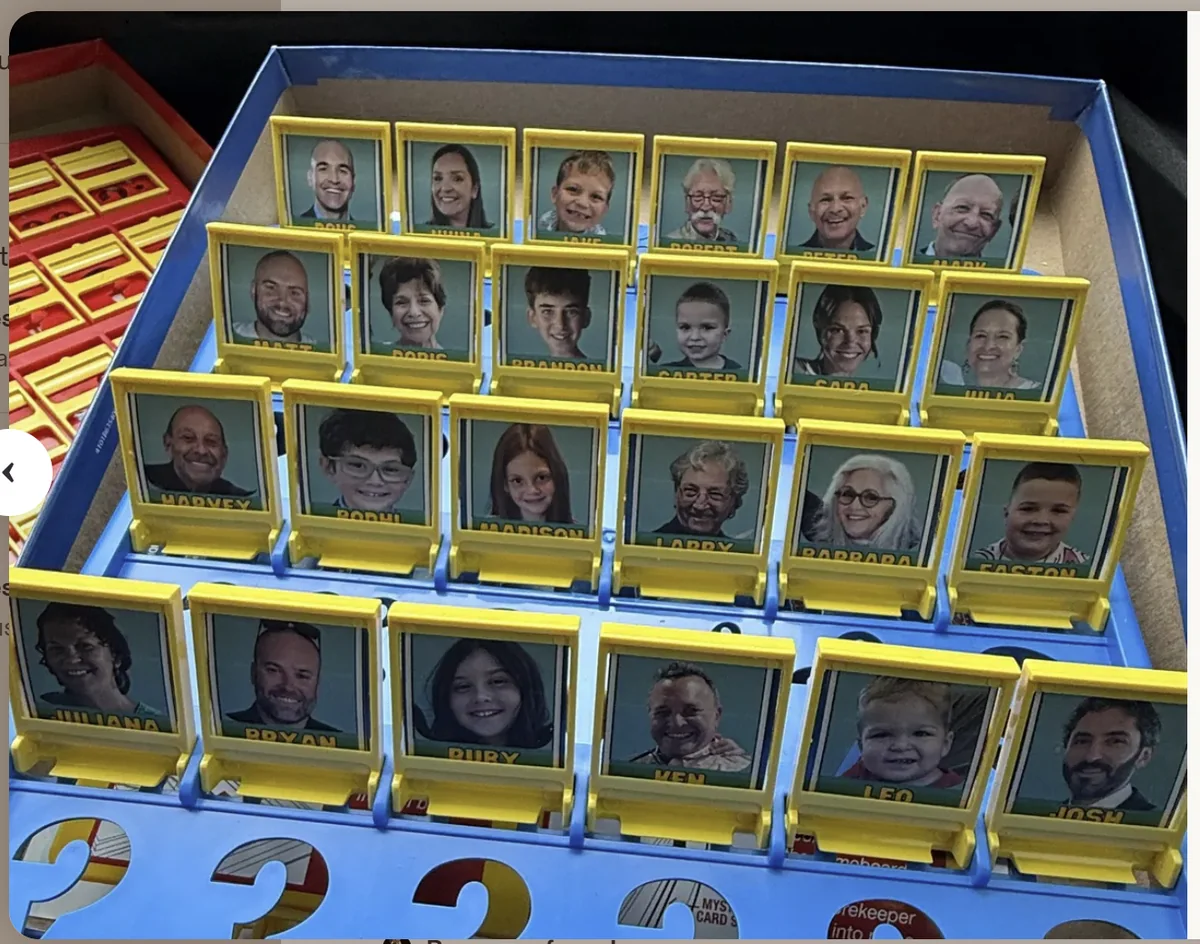
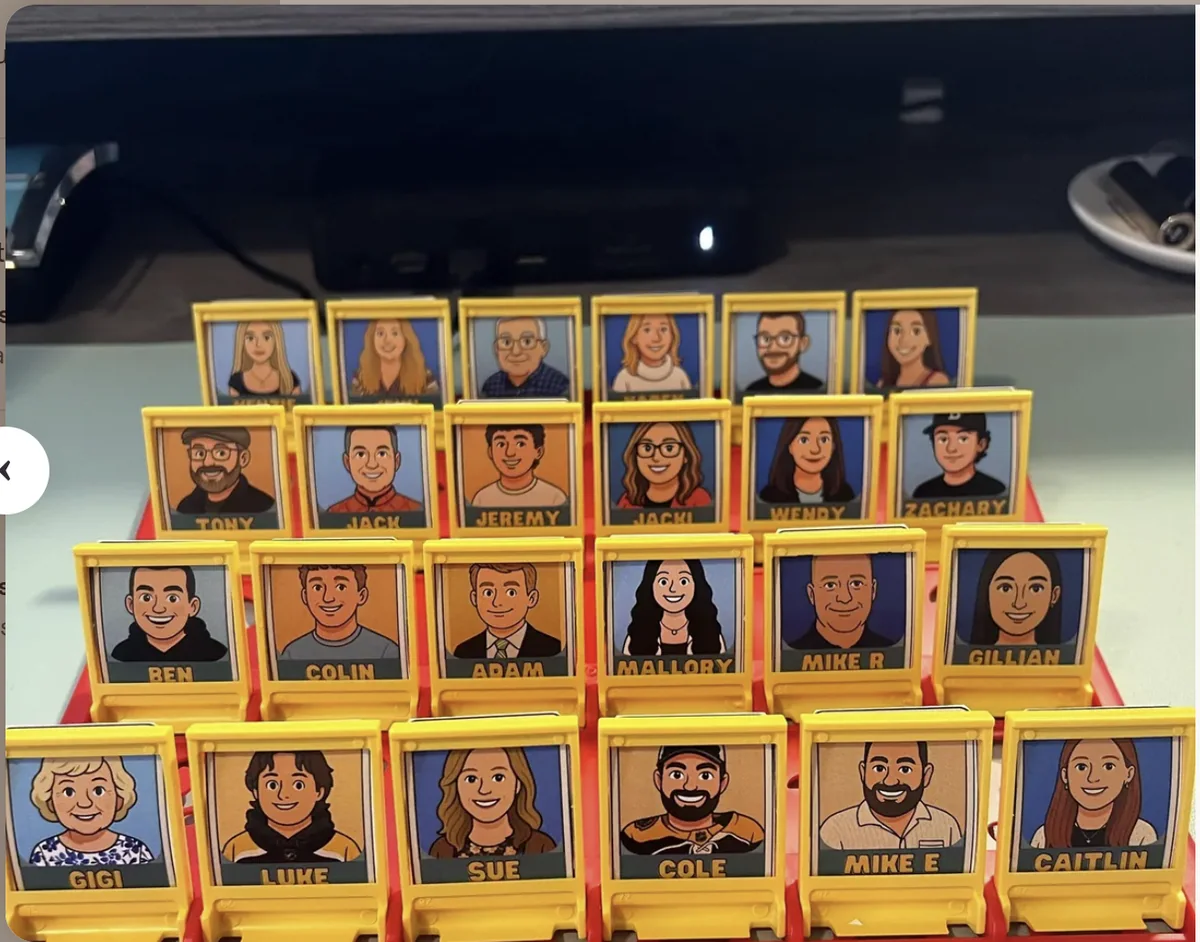
01 / 11
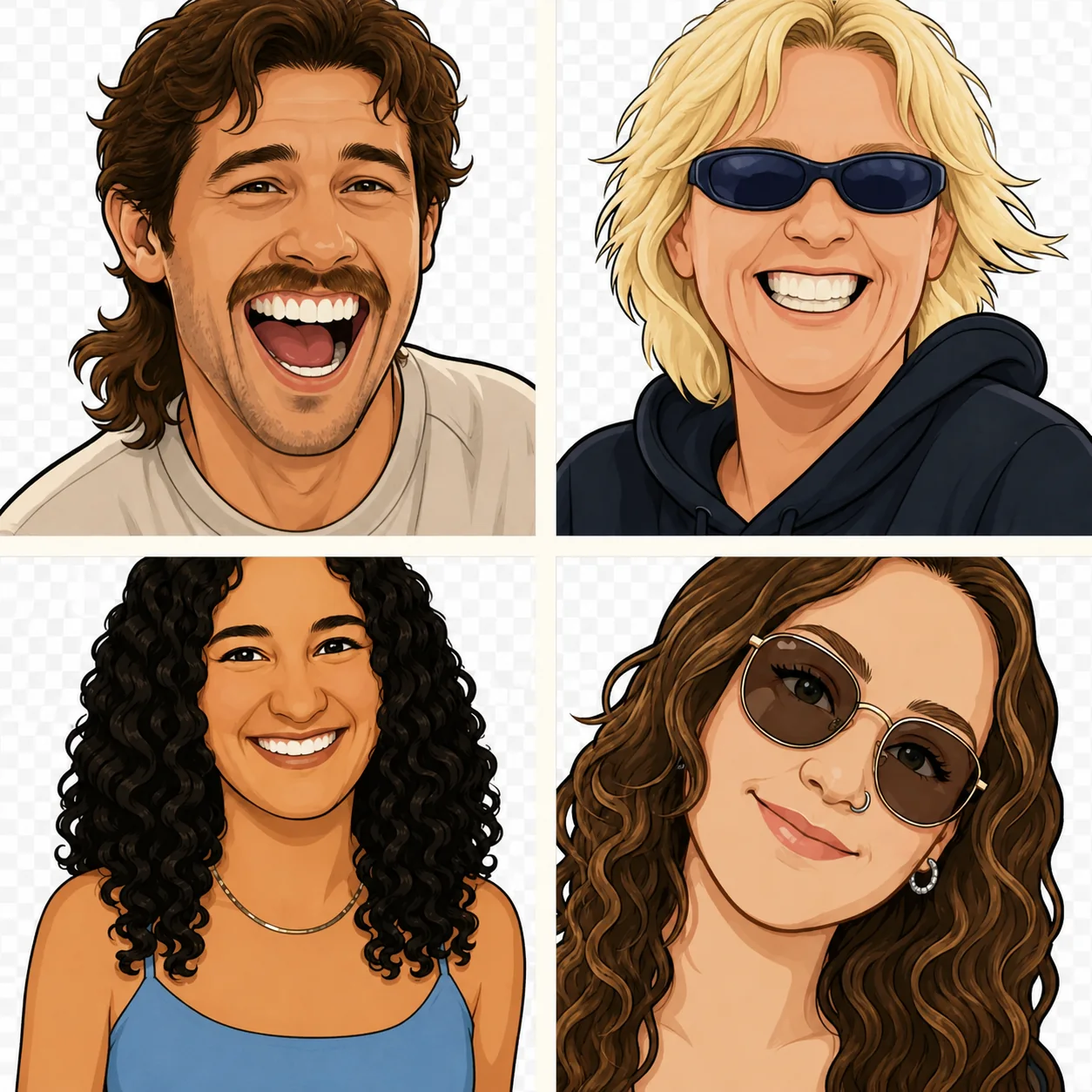
Want to take it further?
Turn every face into a one-of-a-kind cartoon
For an extra-special birthday, wedding or reunion gift, our team can transform your photographs into a consistent set of custom cartoon portraits. Even small or blurry source photos can often become a brilliant, characterful cast.
“The cartoons came out so well even after submitting blurry or small pictures!”
Prefer to skip the customising?
Two educational sets, ready to print and play
The personalised template is still the star of this guide, but these illustrated casts are ready when you want a thoughtful game without building one from scratch.
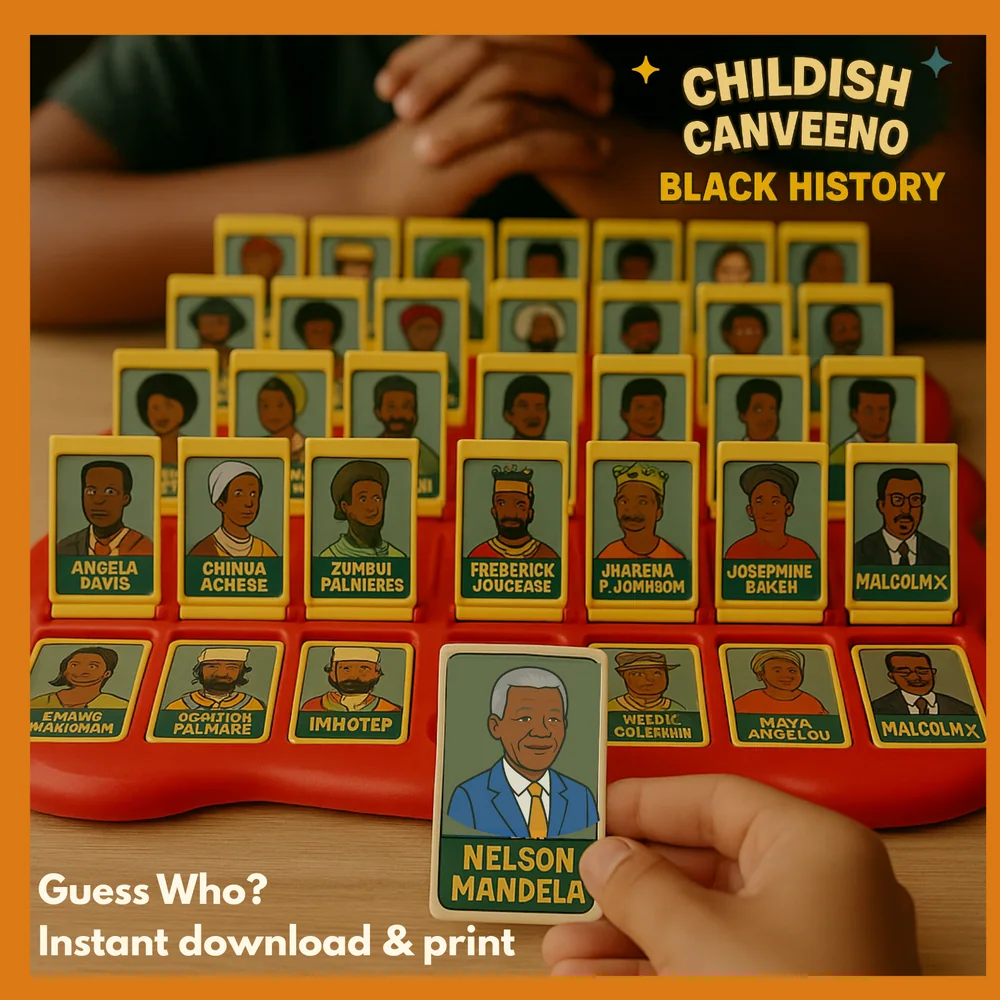
Black History
Meet 24 iconic Black figures through bold illustrations and informative character cards—made for learning through play.
View on Etsy ↗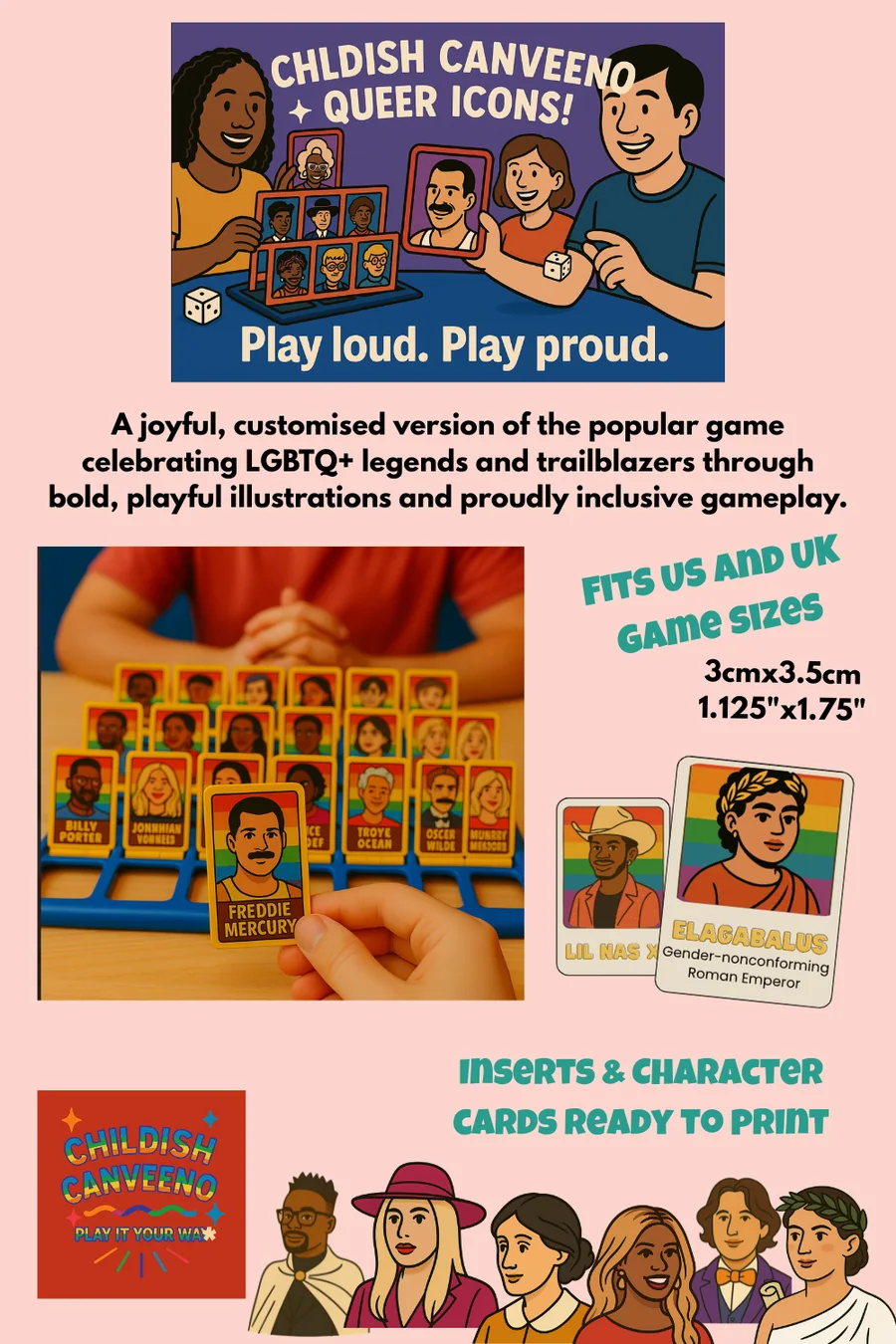
Queer Icons
Celebrate LGBTQ+ legends and trailblazers with a joyful illustrated cast and proudly inclusive gameplay.
View on Etsy ↗Good to know
Your questions, answered
How many people should I include?
The vast majority of game boards have 24 character slots, so 24 people, pets or characters is the usual starting point. Count the slots in your own board before you begin; the editable template can also be adapted for different layouts.
Is the game board included?
No. This is a digital template for creating personalised character cards and inserts. The physical game board is sold separately and can be bought online or from a good local games store.
Can I use ordinary phone photographs?
Yes. Clear, front-facing photographs work best, but they do not need to be professional. Crop each picture so the face is easy to recognise.
Do I need design experience?
No. The template is edited in Canva and comes with instructions. If you can upload a photograph and type a name, you can make the game.
Can you create the portraits for me?
Yes. Our custom cartoon portrait service turns supplied photographs into a consistent illustrated cast for a premium finish.
Faces you love. Games you play.
Ready to make your family the cast?
Download the editable template, gather the group chat and make a game that could only belong to your people.
Create your personalised game